# Delete your account
Source: https://docs.streamlit.io/deploy/streamlit-community-cloud/manage-your-account/delete-your-account
Deleting your Streamlit Community Cloud account is just as easy as creating it. When you delete your account, your information, account, and all your hosted apps are deleted as well. Read more about data deletion in [Streamlit trust and security](https://docs.streamlit.io/deploy/streamlit-community-cloud/get-started/trust-and-security#data-deletion).
> **Warning**
>
> Deleting your account is permanent and cannot be undone. Make sure you really want to delete your account and all hosted apps before proceeding. Any app you've deployed will be deleted, regardless of the workspace it was deployed from.
## How to delete your account
Follow these steps to delete your account:
1. Sign in to Streamlit Community Cloud at share.streamlit.io and access your [Workspace settings](https://docs.streamlit.io/deploy/streamlit-community-cloud/manage-your-account/workspace-settings).
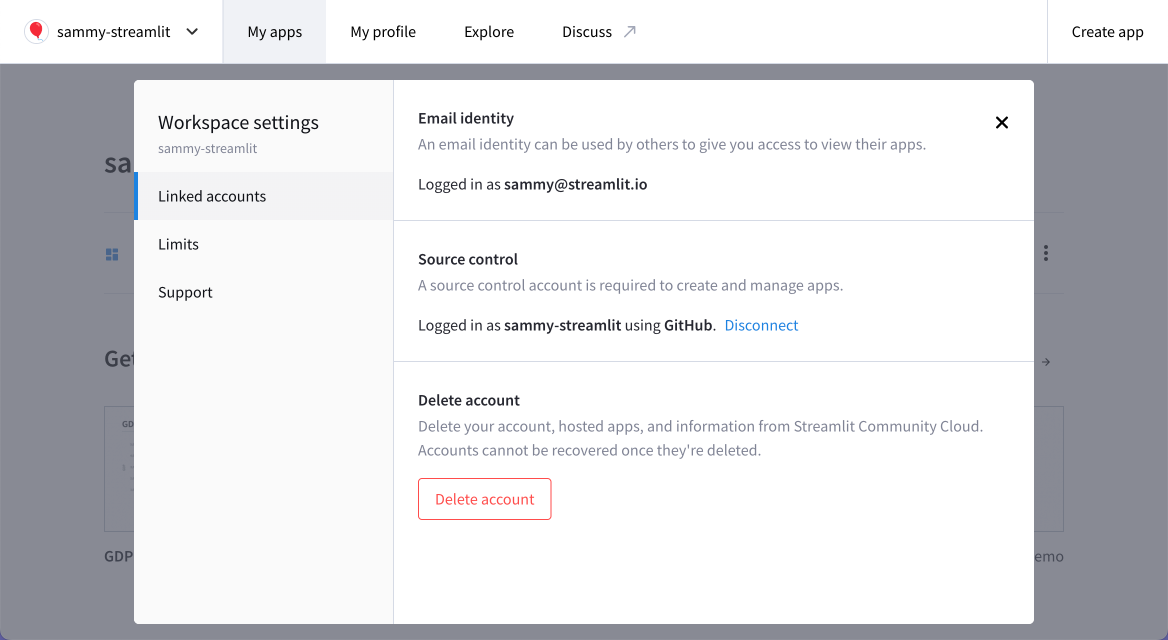
1. From the "**Linked accounts**" section, click "**Delete account**."
1. In the confirmation dialog, follow the prompt and click "**Delete account forever**."
All your information and apps will be permanently deleted.
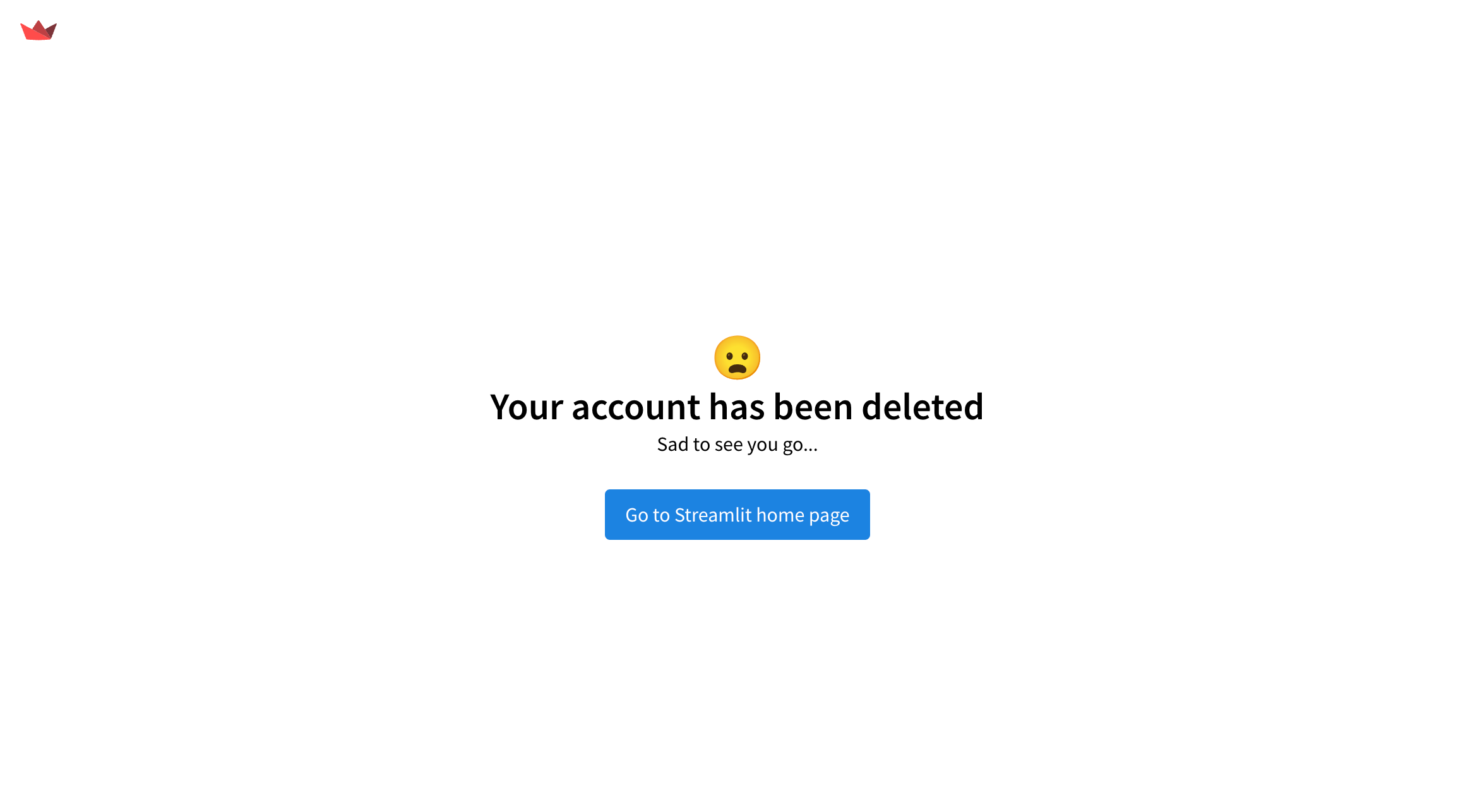
It's that simple! If you have any questions or run into issues deleting your account, please reach out to us on our forum. We're happy to help! 🎈