Documentation

search

Search

  • rocket_launch

    Get started

    • Installation
      add
    • Fundamentals
      add
    • First steps
      add
  • code

    Develop

    • Concepts
      add
    • API reference
      remove
      • PAGE ELEMENTS
      • Write and magic
        add
      • Text elements
        add
      • Data elements
        add
      • Chart elements
        add
      • Input widgets
        add
      • Media elements
        add
      • Layouts and containers
        add
      • Chat elements
        add
      • Status elements
        add
      • Third-party componentsopen_in_new
      • APPLICATION LOGIC
      • App server
        add
      • Authentication
        add
      • Navigation and pages
        add
      • Execution flow
        remove
        • st.dialog
        • st.form
        • st.form_submit_button
        • st.fragment
        • st.rerun
        • st.stop
      • Caching and state
        add
      • Connections and secrets
        add
      • Custom components
        add
      • Configuration
        add
      • TOOLS
      • App testing
        add
      • Command line
        add
    • Tutorials
      add
    • Quick reference
      add
  • web_asset

    Deploy

    • Concepts
      add
    • Streamlit Community Cloud
      add
    • Snowflake
    • Other platforms
      add
  • school

    Knowledge base

    • FAQ
    • Installing dependencies
    • Deployment issues
  • Home/
  • Develop/
  • API reference/
  • Execution flow

Execution flow

Change execution

By default, Streamlit apps execute the script entirely, but we allow some functionality to handle control flow in your applications.
screenshot

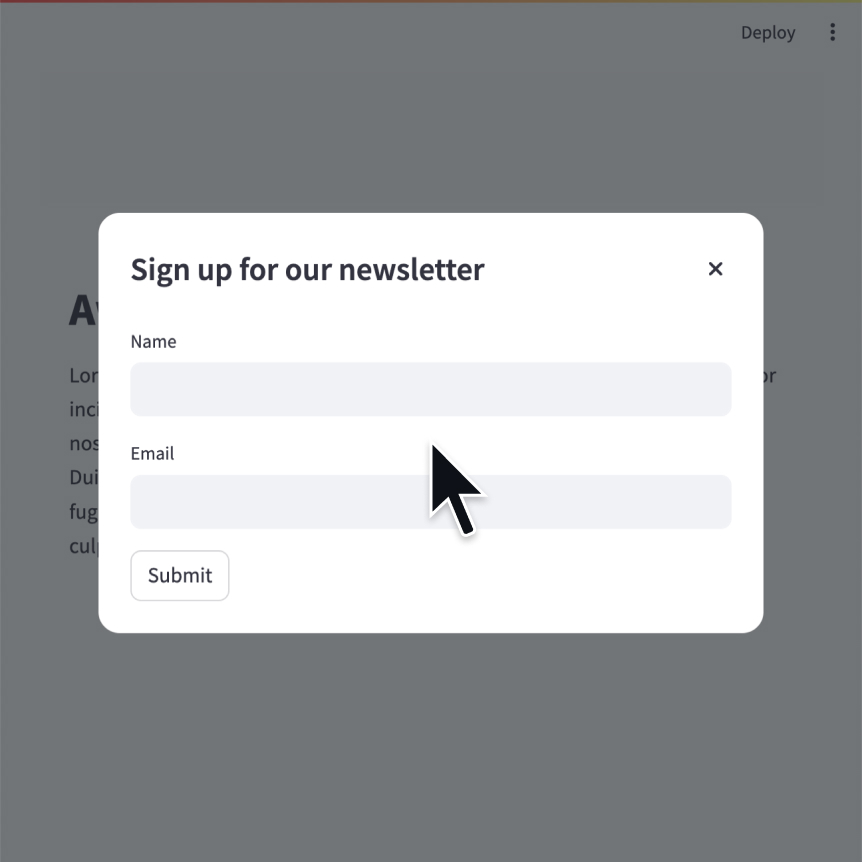
Modal dialog

Insert a modal dialog that can rerun independently from the rest of the script.

Python
@st.dialog("Sign up")
def email_form():
    name = st.text_input("Name")
    email = st.text_input("Email", type="email")

Fragments

Define a fragment to rerun independently from the rest of the script.

Python
@st.fragment(run_every="10s")
def fragment():
    df = get_data()
    st.line_chart(df)

Rerun script

Rerun the script immediately.

Python
st.rerun()

Stop execution

Stops execution immediately.

Python
st.stop()

Group multiple widgets

By default, Streamlit reruns your script everytime a user interacts with your app. However, sometimes it's a better user experience to wait until a group of related widgets is filled before actually rerunning the script. That's what st.form is for!

Forms

Create a form that batches elements together with a “Submit" button.

Python
with st.form(key='my_form'):
    name = st.text_input("Name")
    email = st.text_input("Email", type="email")
    st.form_submit_button("Sign up")

Form submit button

Display a form submit button.

Python
with st.form(key='my_form'):
    name = st.text_input("Name")
    email = st.text_input("Email", type="email")
    st.form_submit_button("Sign up")
arrow_backPrevious: Navigation and pagesarrow_forwardNext: st.dialog
forum

Still have questions?

Our forums are full of helpful information and Streamlit experts.


HomeContact UsCommunity
© 2026 Snowflake Inc.