Text elements
Streamlit apps usually start with a call to st.title to set the
app's title. After that, there are 2 heading levels you can use:
st.header and st.subheader.
Pure text is entered with st.text, and Markdown with
st.markdown.
We also offer a "swiss-army knife" command called st.write, which accepts
multiple arguments, and multiple data types. And as described above, you can
also use magic commands in place of st.write.
Headings and body text
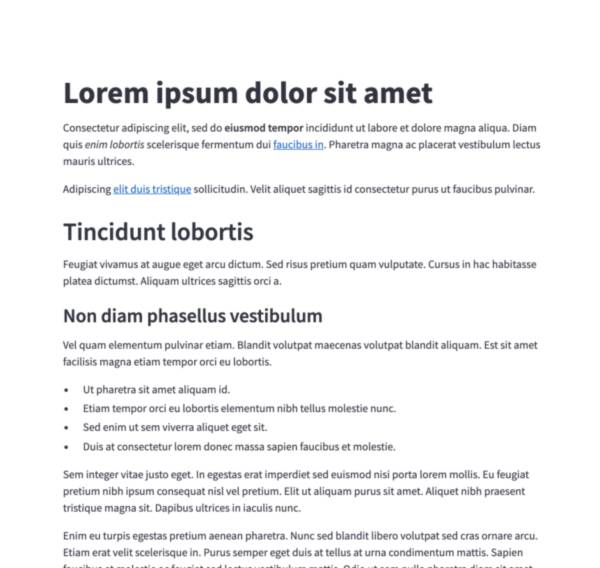
Markdown
Display string formatted as Markdown.
st.markdown("Hello **world**!")
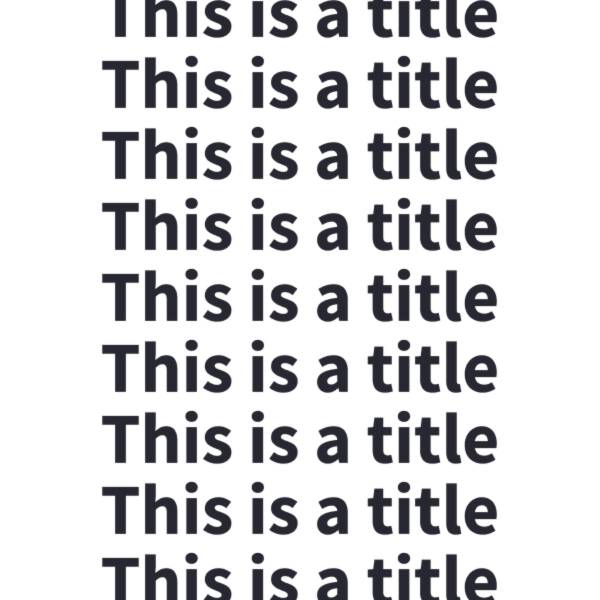
Title
Display text in title formatting.
st.title("The app title")
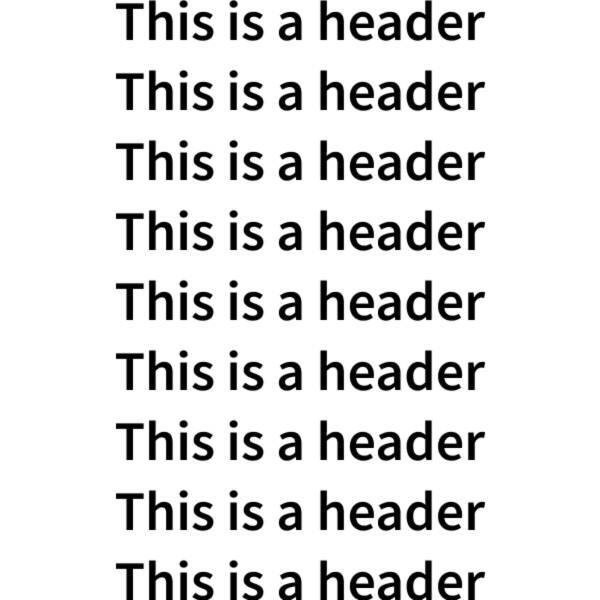
Header
Display text in header formatting.
st.header("This is a header")
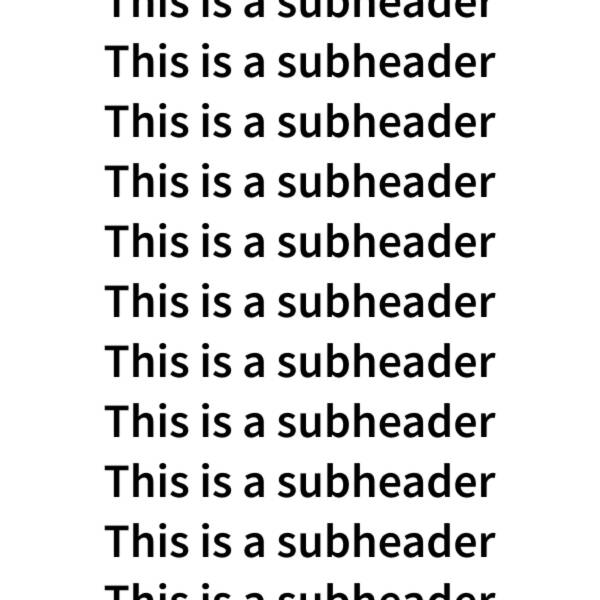
Subheader
Display text in subheader formatting.
st.subheader("This is a subheader")
Formatted text
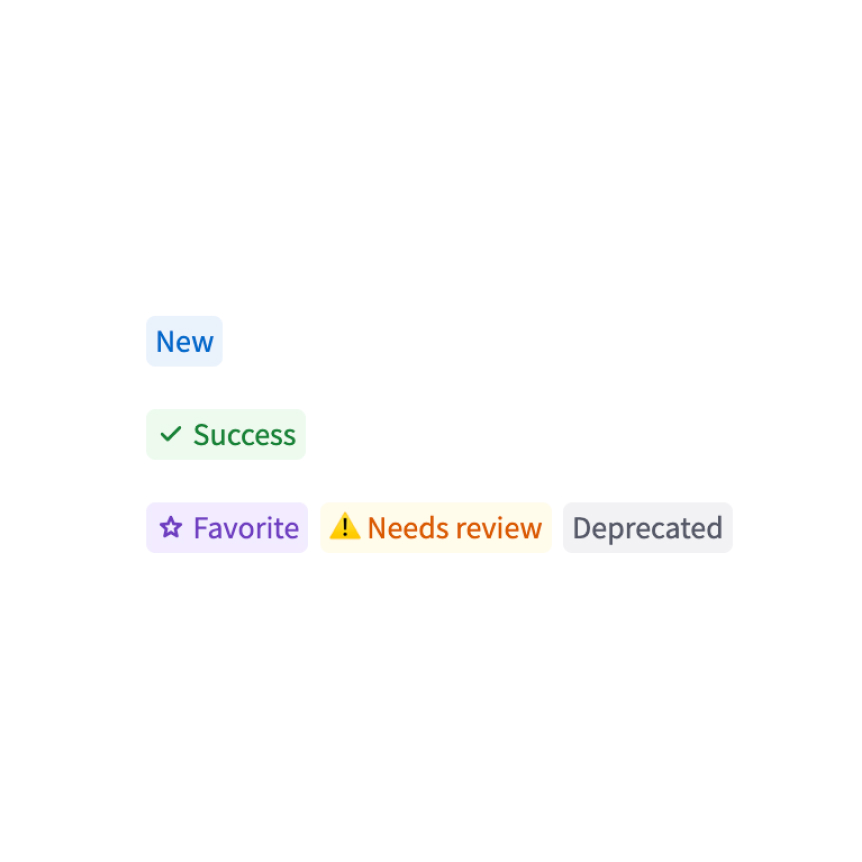
Badge
Display a small, colored badge.
st.badge("New")
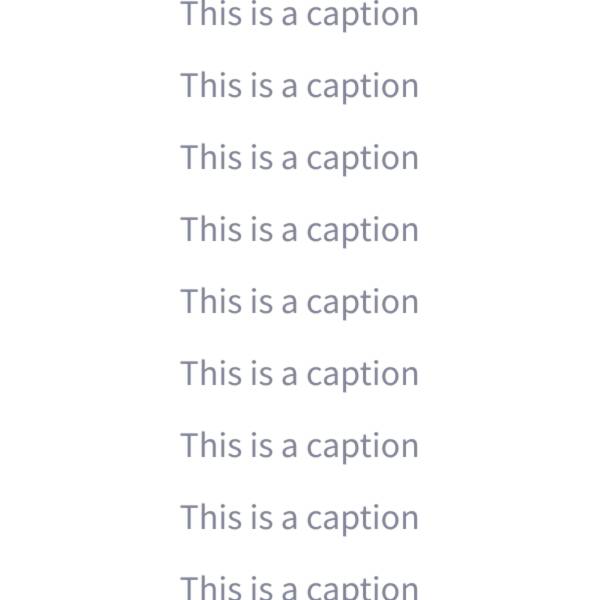
Caption
Display text in small font.
st.caption("This is written small caption text")
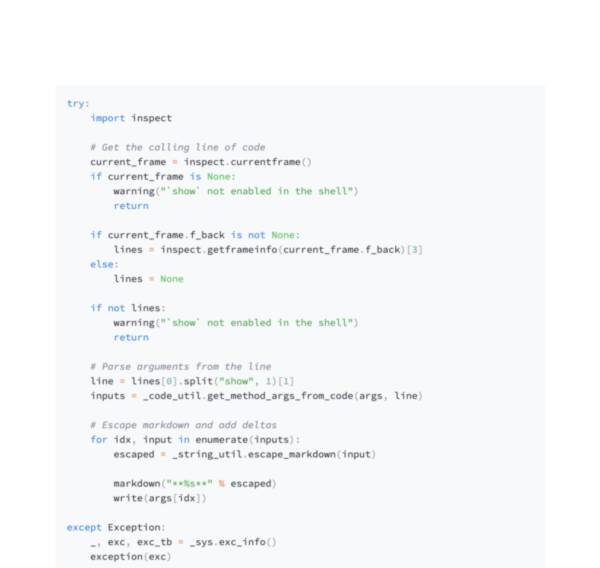
Code block
Display a code block with optional syntax highlighting.
st.code("a = 1234")
Echo
Display some code on the app, then execute it. Useful for tutorials.
with st.echo():
  st.write('This code will be printed')

Preformatted text
Write fixed-width and preformatted text.
st.text("Hello world")
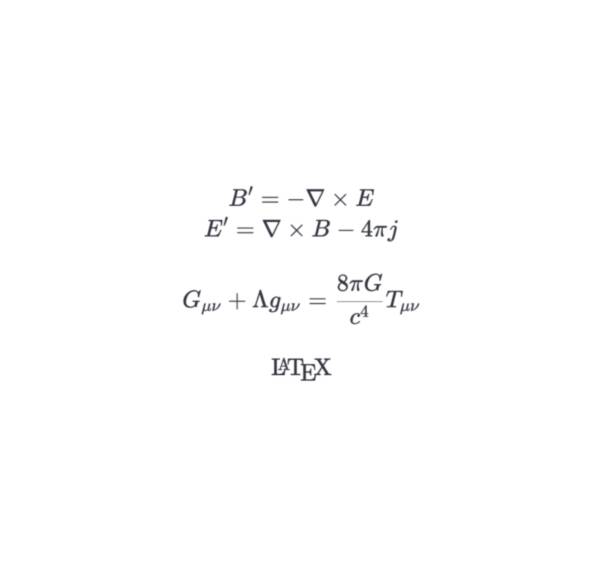
LaTeX
Display mathematical expressions formatted as LaTeX.
st.latex(r"\int a x^2 \,dx")
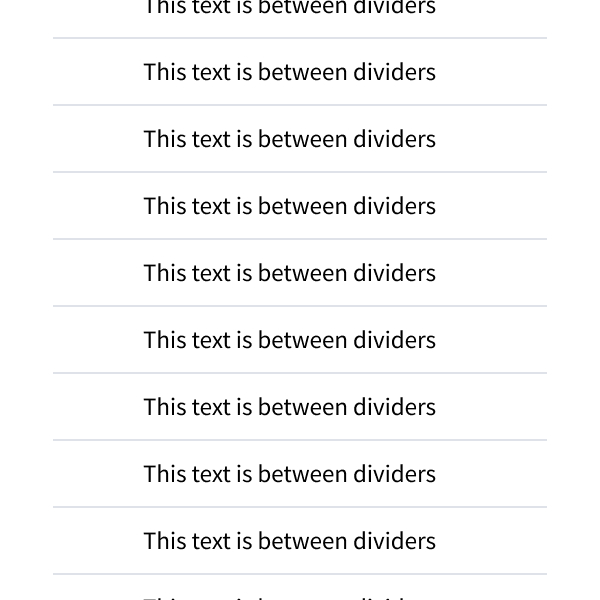
Divider
Display a horizontal rule.
st.divider()
Utilities
Get help
Display object’s doc string, nicely formatted.
st.help(st.write)
st.help(pd.DataFrame)
Render HTML
Renders HTML strings to your app.
st.html("<p>Foo bar.</p>")
Iframe
Display content in an iframe
from pathlib import Path
st.iframe("https://docs.streamlit.io")
st.iframe("<p>Streamlit is cool.</p>")
st.iframe(Path("my_content.html"))
Still have questions?
Our forums are full of helpful information and Streamlit experts.