Display progress and status
Streamlit provides a few methods that allow you to add animation to your apps. These animations include progress bars, status messages (like warnings), and celebratory balloons.
Animated status elements
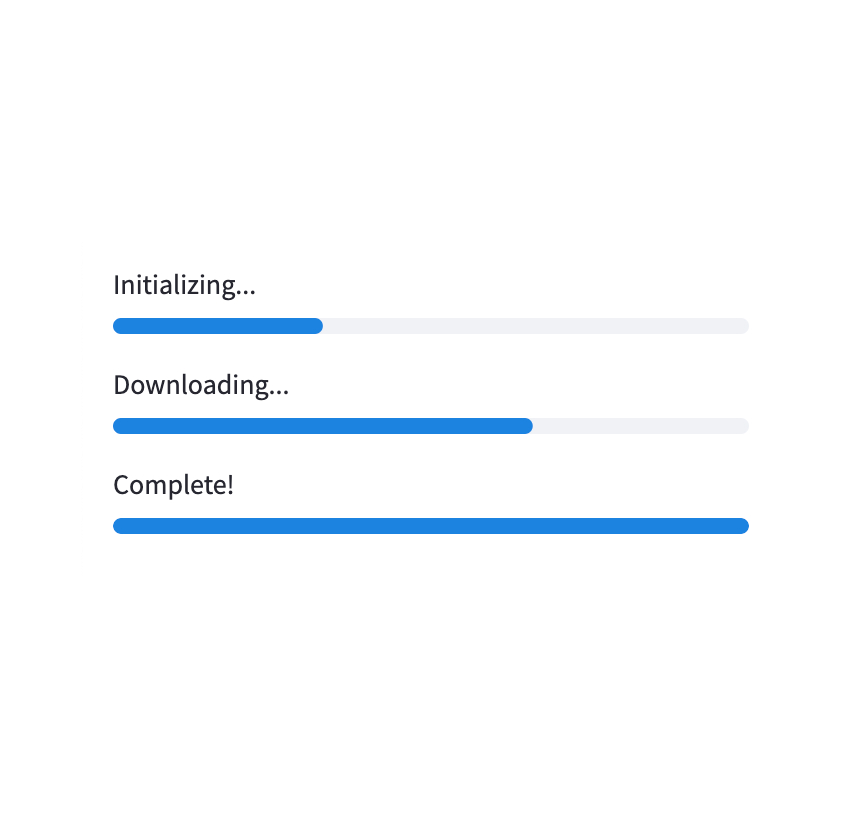
Progress bar
Display a progress bar.
Python
for i in range(101):
  st.progress(i)
  do_something_slow()
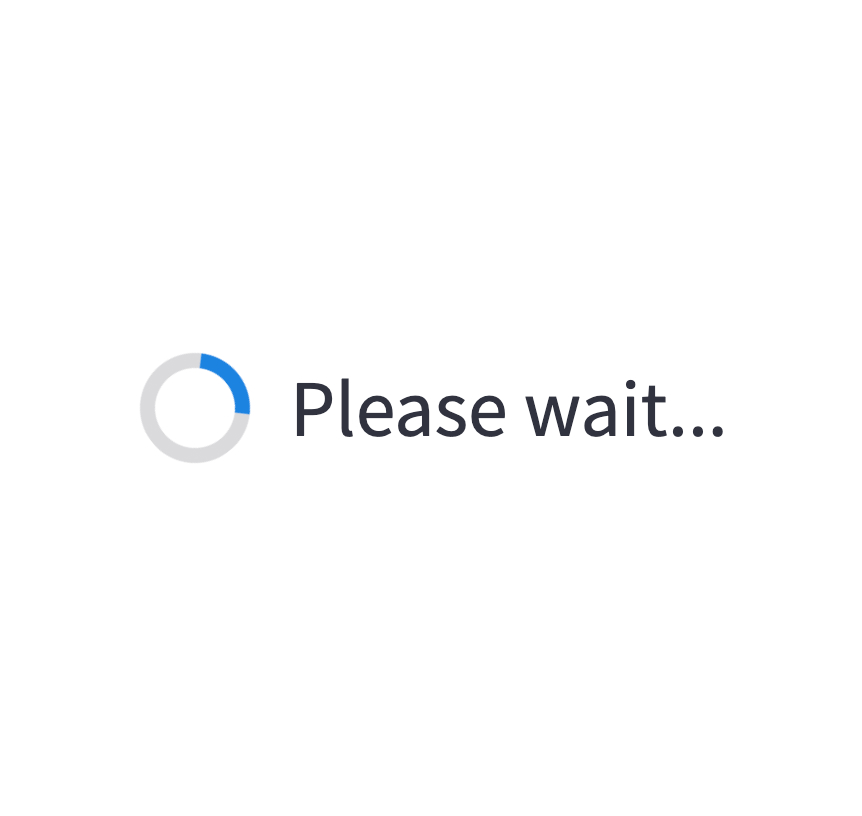
Spinner
Temporarily displays a message while executing a block of code.
Python
with st.spinner("Please wait..."):
  do_something_slow()
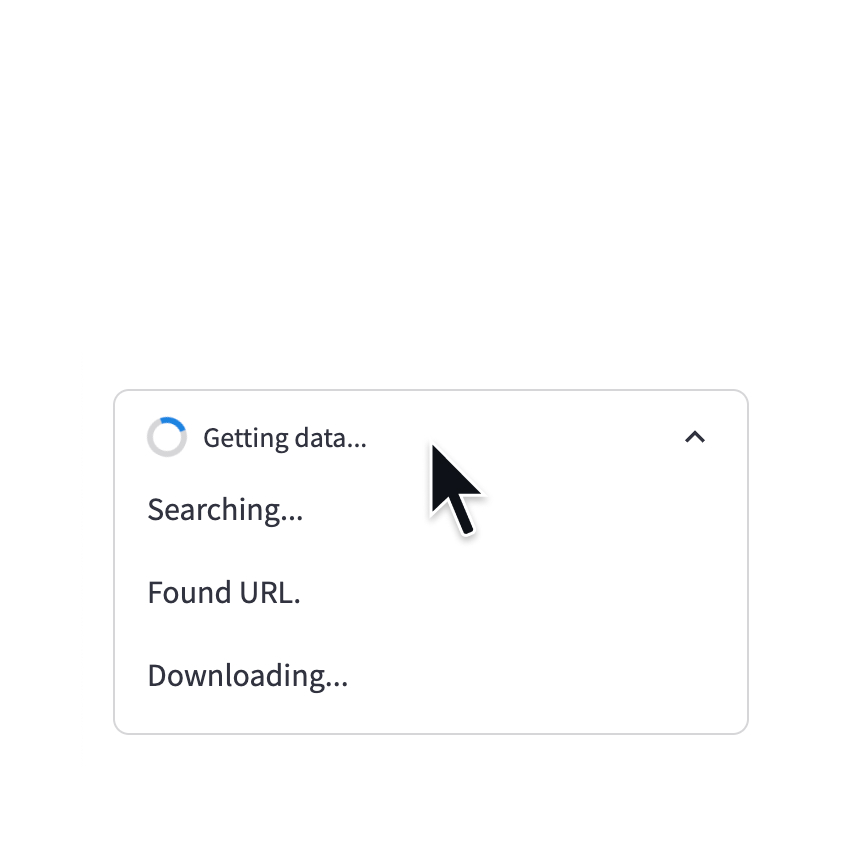
Status container
Display output of long-running tasks in a container.
Python
with st.status('Running'):
  do_something_slow()

Skeleton
Display a skeleton placeholder while loading.
Python
with st.skeleton(height=200):
  do_something_slow()
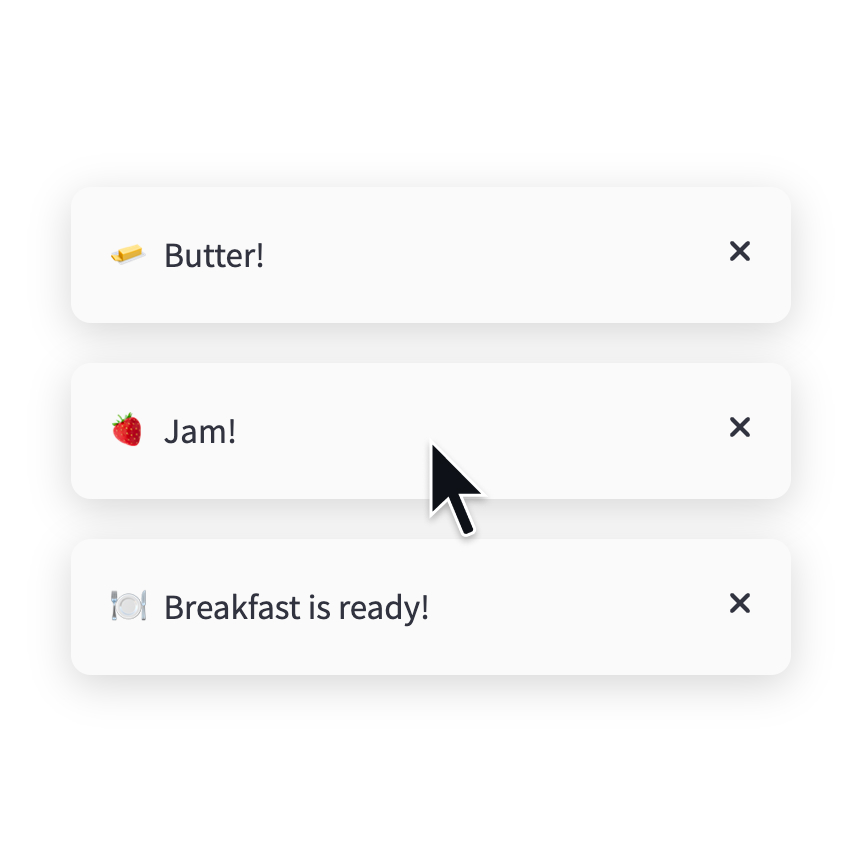
Toast
Briefly displays a toast message in the bottom-right corner.
Python
st.toast('Butter!', icon='🧈')

Balloons
Display celebratory balloons!
Python
st.balloons()
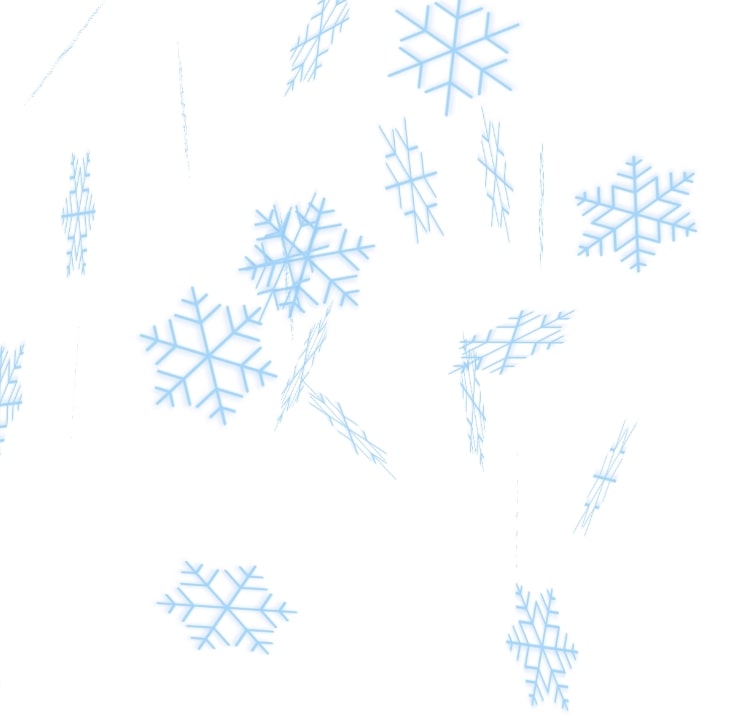
Snowflakes
Display celebratory snowflakes!
Python
st.snow()
Simple callout messages
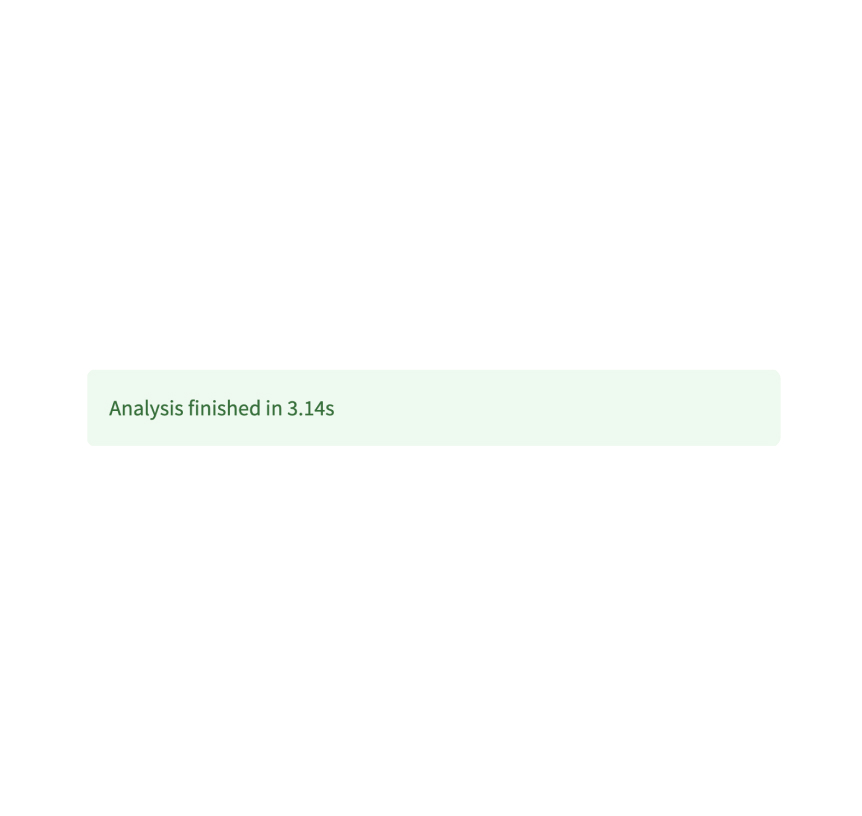
Success box
Display a success message.
Python
st.success("Match found!")
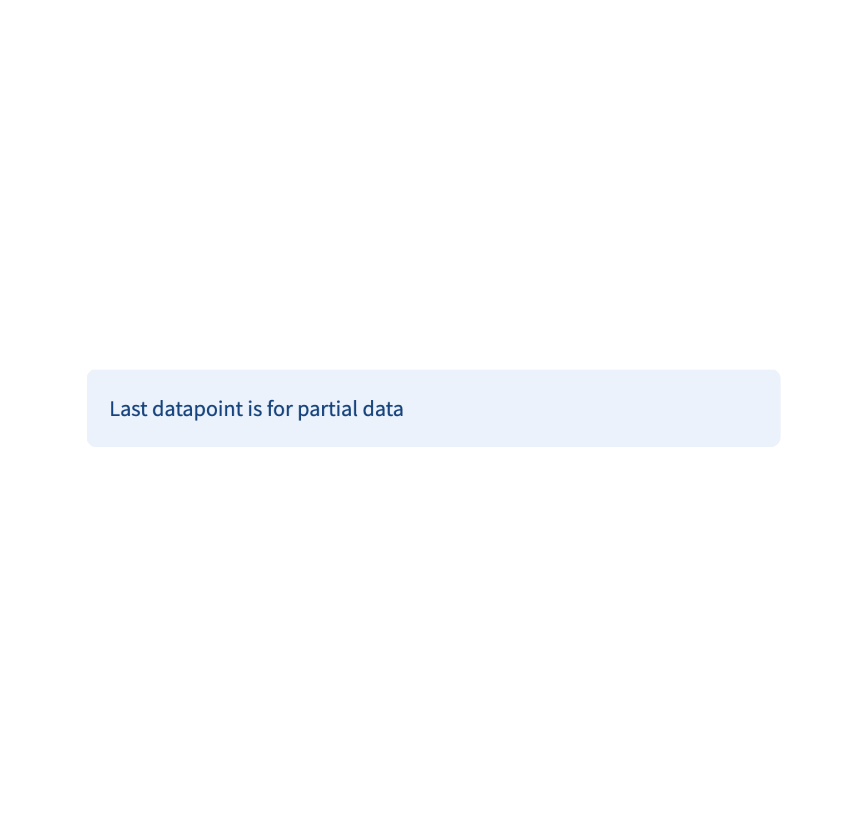
Info box
Display an informational message.
Python
st.info("Dataset is updated every day at midnight.")
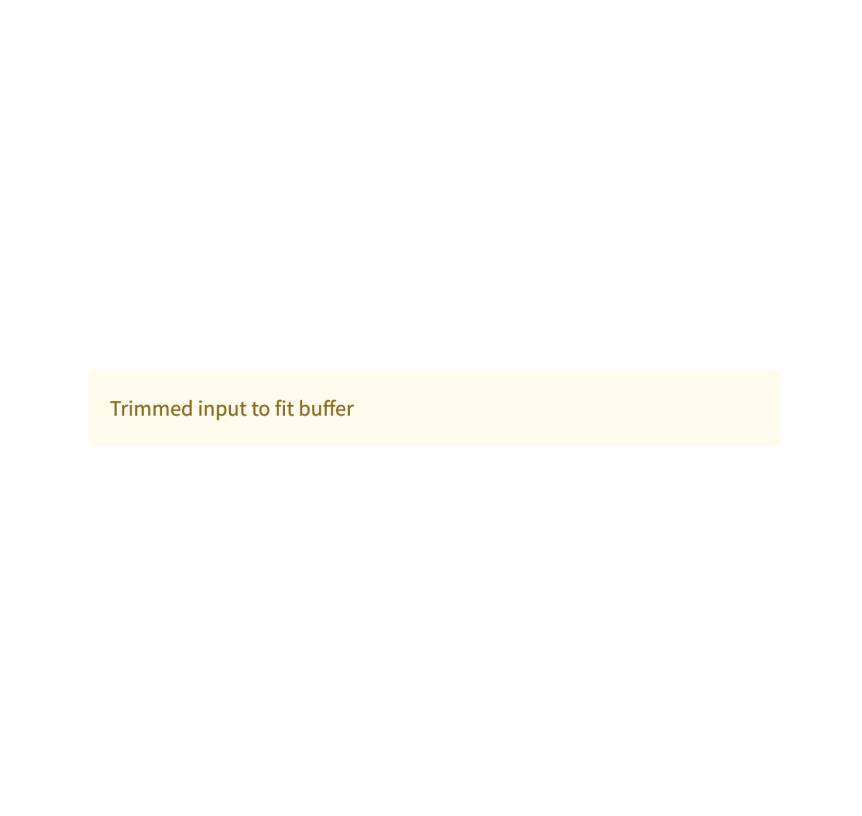
Warning box
Display warning message.
Python
st.warning("Unable to fetch image. Skipping...")
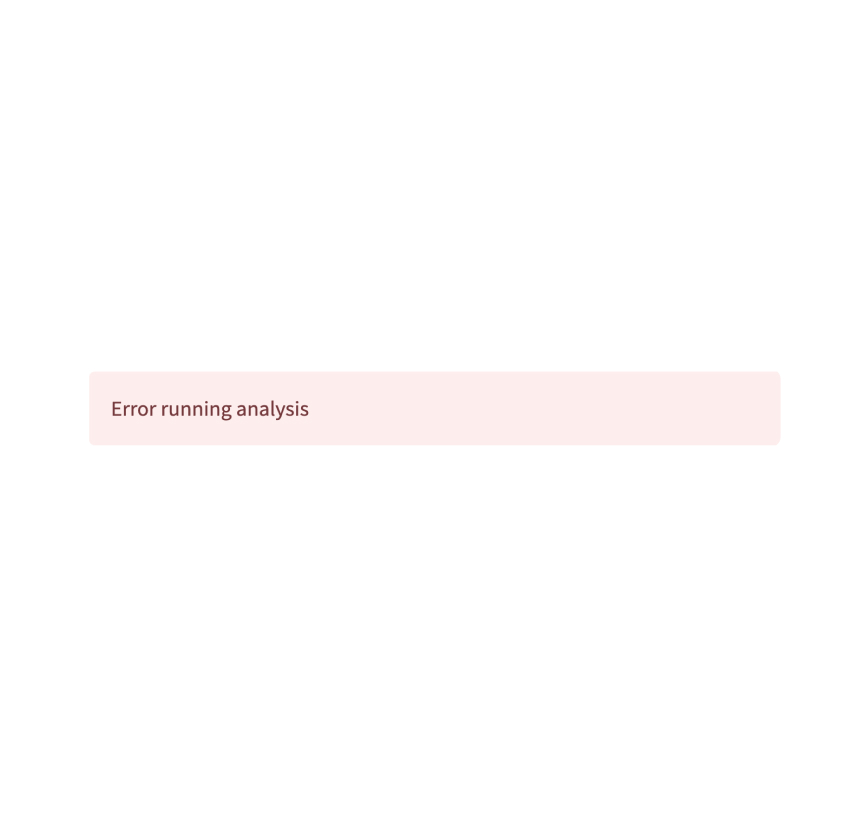
Error box
Display error message.
Python
st.error("We encountered an error")
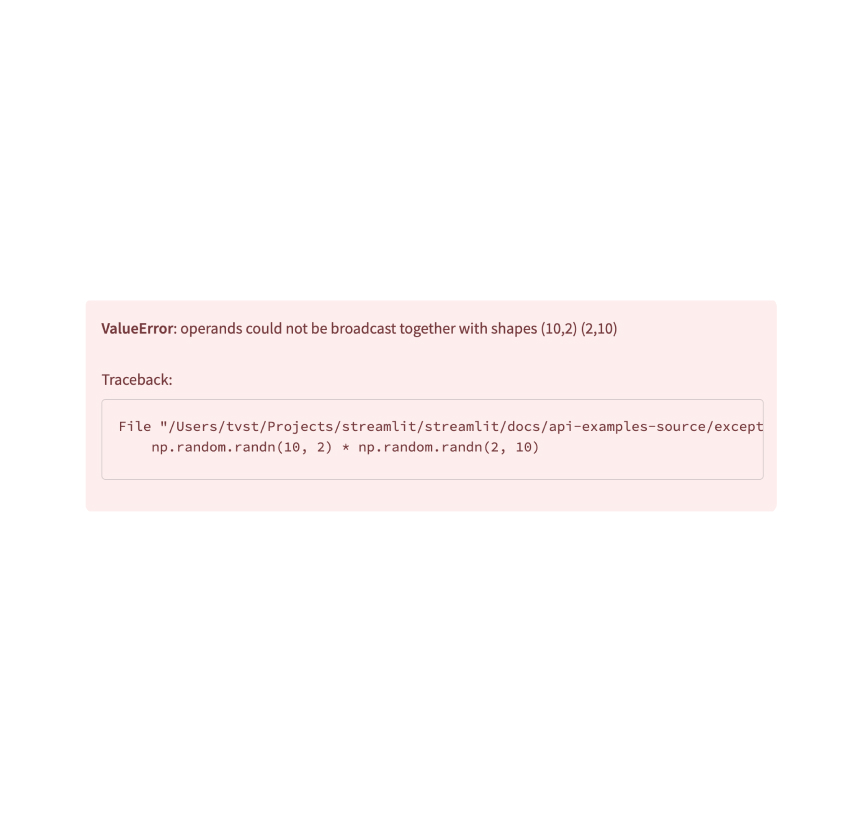
Exception output
Display an exception.
Python
e = RuntimeError("This is an exception of type RuntimeError")
st.exception(e)
Still have questions?
Our forums are full of helpful information and Streamlit experts.